Understanding Criteria Selection
Learn how curriculum criteria map to AI-generated report comments, how to select proficiency levels, and customise criteria for your school's needs.
How Criteria Work
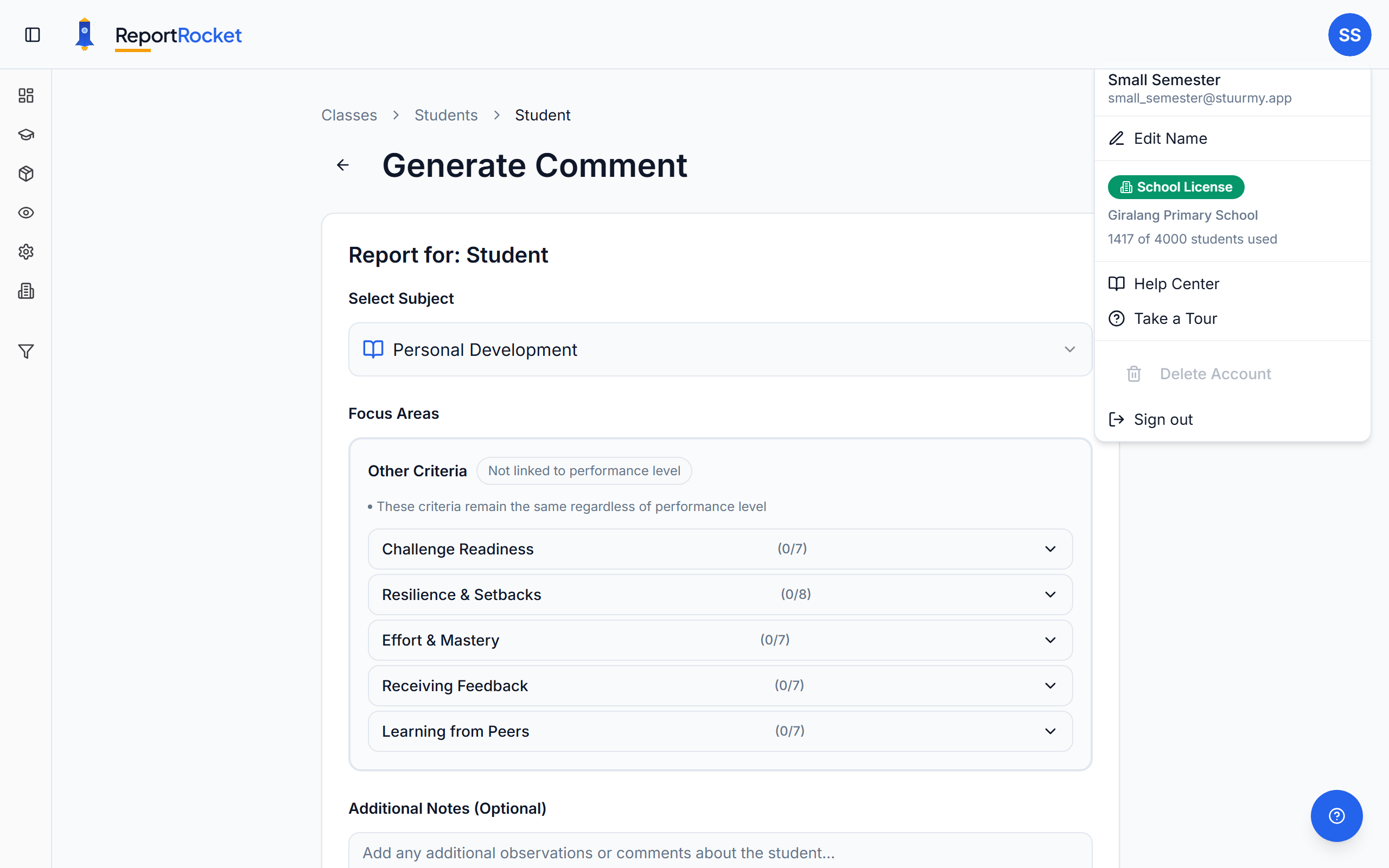
ReportRocket's criteria are aligned to the Australian Curriculum V9.0. Each year level has subject-specific criteria that match what you're required to report on.
Subject Structure
Subjects
Top-level areas: English, Mathematics, Science, HASS, The Arts, HPE, Technologies, Languages
Categories
Subdivisions within subjects. For English: Reading, Writing, Speaking & Listening
Criteria
Specific reportable items within categories. For Reading: Comprehension strategies, Fluency, Text analysis
Proficiency Levels
Each criterion can be marked at different achievement levels:
High
The student demonstrates understanding beyond the expected standard. Generated comments use language like "consistently demonstrates", "excels in", "shows sophisticated understanding".
Medium
The student meets the expected standard. Generated comments use language like "demonstrates", "shows understanding", "can effectively".
Low
The student is progressing toward the expected standard. Generated comments use language like "is developing", "with support can", "is building understanding".
Selecting Multiple Criteria
When you select multiple criteria:
- Related achievements are grouped together
- Creates flowing paragraphs rather than lists
- Maintains natural language throughout
- Balances coverage of all selected areas
Tip: Select 3-6 criteria for a well-rounded paragraph. Fewer than 3 may feel sparse; more than 8 can become overwhelming.
Category-Level Selection
Some categories offer a single proficiency selection that applies to all criteria within. This is useful when:
- A student is consistently at one level across a category
- You want to save time on detailed selection
Customising Criteria
School administrators and individual teachers can customise criteria in Settings. See Customising curriculum settings for details.
Next Steps
Was this article helpful?